NodeSeq
A music sequencer that runs in the browser. What it does Read more
Built by:NodeSeq
Using:Claude
Build Time:Days
AI Coded Ratio95%

Description
A music sequencer that runs in the browser.
What it does
Instead of a timeline or piano roll, you make a track by wiring nodes together on a canvas:
- Sound Generation: Drum, synth, and bass nodes make sound. Connections carry pulses between them, and each pulse takes a set musical time to travel, so a loop of nodes becomes a rhythm.
- Arrangement & Modification: Gate nodes count pulses or follow a step pattern, giving you fills and arrangement. Mod nodes change another node's settings (cutoff, resonance, decay, pan) every time they fire, so a line never plays quite the same twice.
- Live Performance: Nodes are grouped, and each group is a pad you can switch on and off on the bar with a number key. There are scenes, a song mode that chains scenes, and hold effects (filter, echo and reverb throws, stutter, riser) for playing live.
- Pure Synthesis: All sound is synthesised with the Web Audio API. There are no samples.
- Sharing & Exporting: You can export a WAV, share a track as a link, or publish it to a community page where others can play it, comment, and open it in the studio to remix.
How Claude was used
- Modular Refactoring: It started as a single HTML file. Claude later split it into modules (scheduler, sound engine, canvas, inspector, performance strip) and wrote scheduler tests so that refactors did not break timing.
- Unified Audio Pipeline: The scheduler and audio engine share one code path for live playback and offline WAV export, which was Claude's suggestion and removed a class of "export sounds different" bugs.
- Backend & Security: The community side is a Cloudflare Worker with D1. Claude implemented passkey sign-in (WebAuthn) directly, plus the input sanitizer and text filter for published tracks.
- Automated Trailer: The trailer was also made by Claude. It wrote a script that drives the real app in a headless browser one video frame at a time while the audio renders offline, so picture and sound come from the same run. It performs one of the demo tracks: bringing groups in, holding effects, patching a new node.
What I learned
- Tests on the pure-logic part (the scheduler) paid for themselves; UI work was faster to check by listening.
- Asking Claude to explain a timing bug before fixing it usually found the real cause faster than asking for a fix.
- Small, specific requests worked better than "add feature X" for anything touching audio.
More in Media & Audio
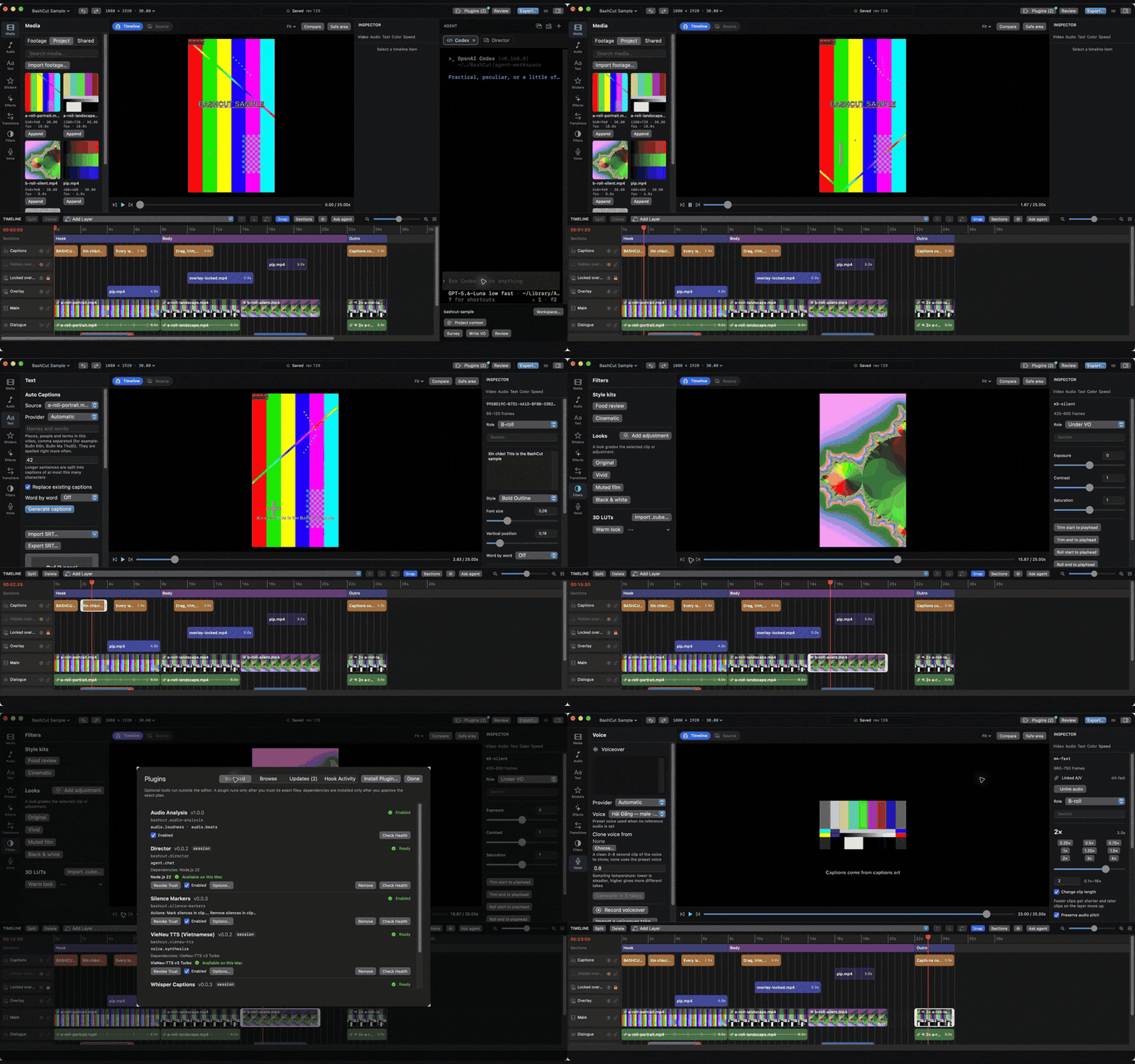
BashCut
BashCut is a native macOS video editor that coding agents can drive.
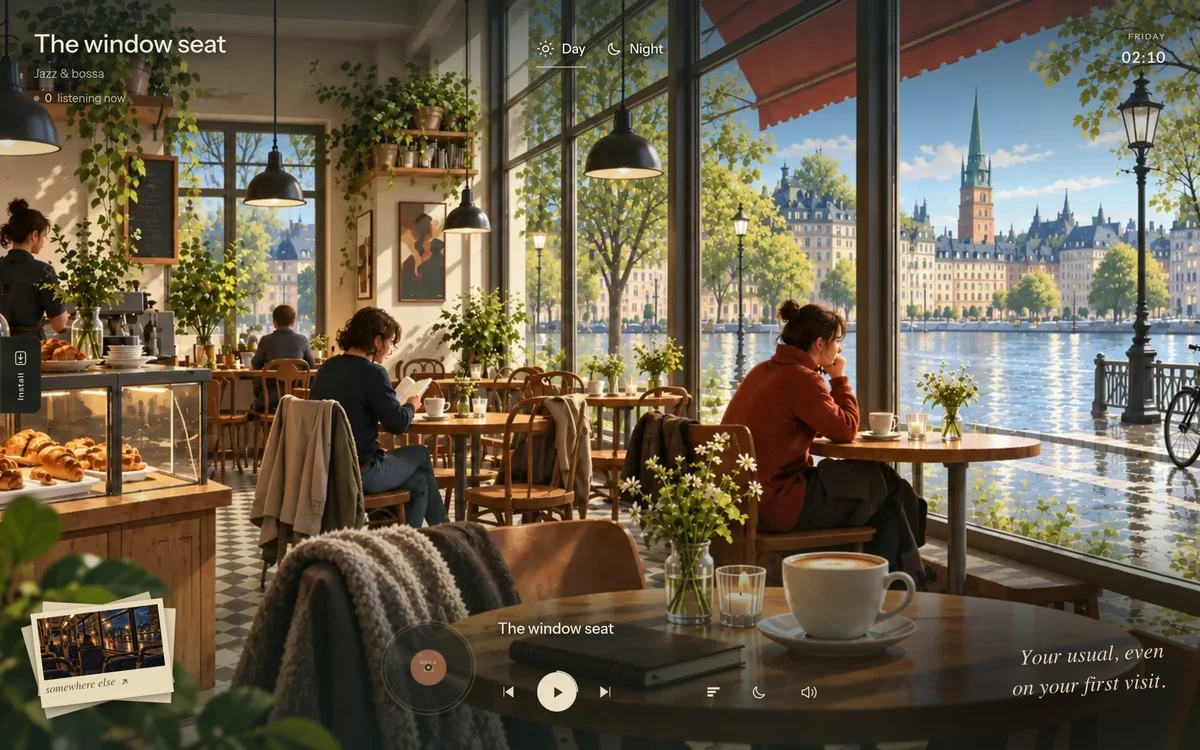
Ambient music website
Hi - I made a simple site where you can pick a scene and listen to music with it.
KNOCK-KNOCK groovebox
Started with the idea of “let’s make a beat maker in the browser for folks who don’t have the time to dedicate to music but want to jump in and throw togethe...