Typist
You drop in a photo, pick where you're going to paste it, and it turns into text you copy with one button.
Description
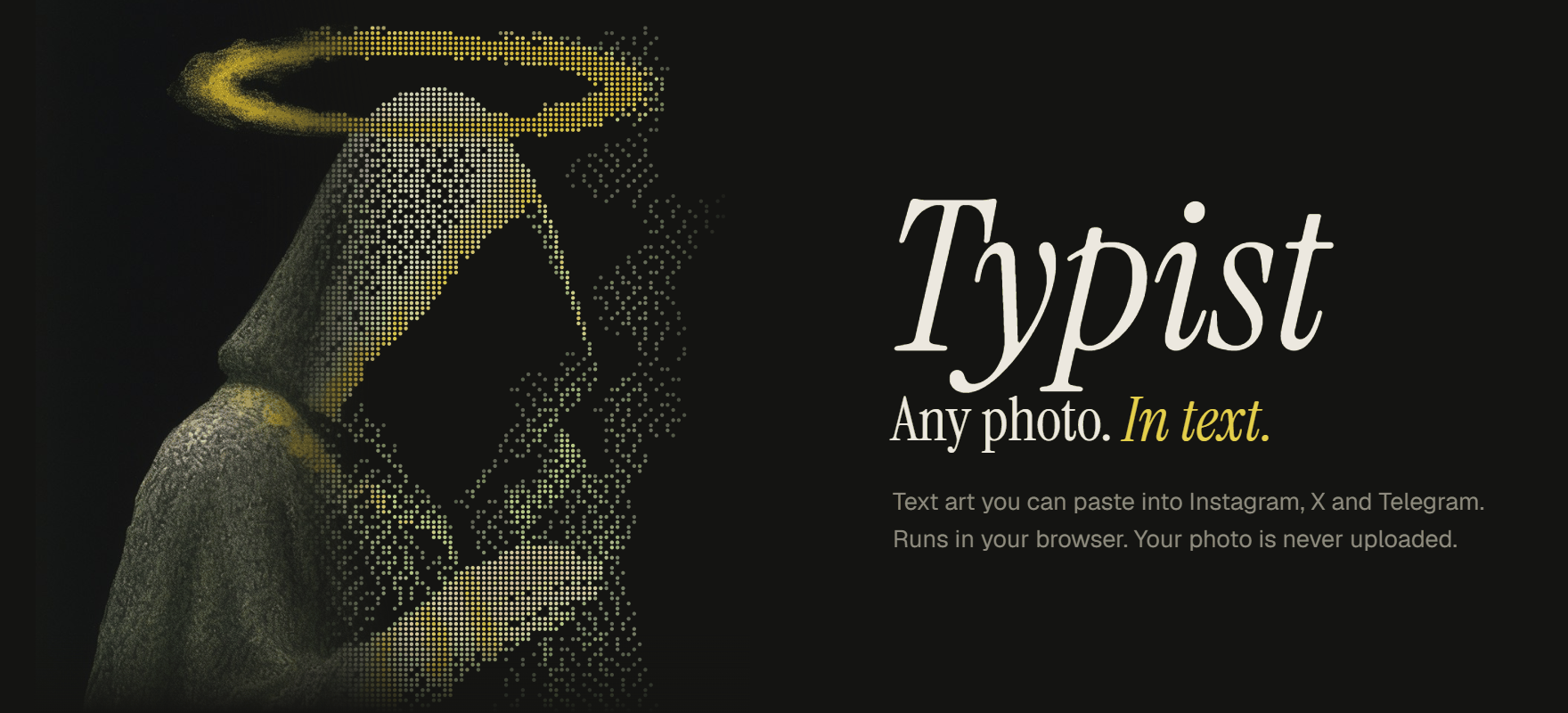
You drop in a photo, pick where you're going to paste it, and it turns into text you copy with one button. No image, just characters.
It uses Braille characters. Instagram and X show text in normal fonts where letters have different widths, so classic ASCII art falls apart there. Braille characters all have the same width, and each one is a 2x4 grid of dots. So a comment 26 characters wide is really a 52 x 60 dot picture.
Every app has its own rules, so it builds the art differently for each one:
- Instagram comment: 2,200 characters, and about 26 fit across a phone before a row wraps.
- X post: X counts every Braille character as two, so a free post only fits a 15 x 8 picture. There's a Premium switch that goes up to 25,000, but the timeline only shows about 5 rows before "Show more".
- Telegram: 4,096 characters, or 1,024 for a photo caption. You can also use normal letters here, because they go in a code block where the spacing survives.
- File: PNG, SVG, HTML or plain text.
Each one gets a phone-sized preview at the real size, so you see if a row is going to wrap before you paste it. It also deals with the annoying stuff. Instagram and X eat spaces at the ends of lines and squash empty lines, so every blank is an invisible Braille character instead of a space.
Github: https://github.com/winchxyz/typist
Github pages: https://winchxyz.github.io/typist/
More in Design